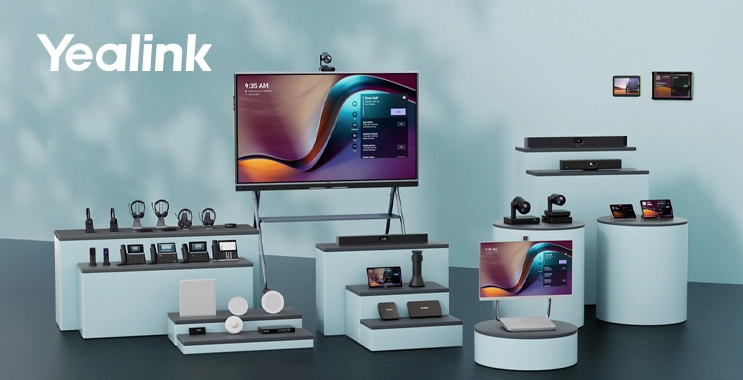
WORKPLACE TECHNOLOGY · SAUDI ARABIA
Yealink business solutions cover the conversations that keep a company working: calls at reception, customer discussions at a desk, communication with staff moving around a site, and meetings between offices. Each situation places different demands on the equipment.
A receptionist needs convenient call handling. Someone taking calls throughout the day needs a comfortable headset. A project team may need a shared screen and whiteboard. Looking at these needs together gives procurement and IT teams a clearer starting point for choosing business communication technology.
For companies in Saudi Arabia, a useful purchasing plan connects those daily tasks with the right product categories.
What does Yealink make for businesses?
Yealink develops voice, video and collaboration equipment, including IP phones, DECT cordless systems, business headsets, desktop collaboration devices, video conferencing systems, interactive boards and meeting displays. It also offers room scheduling devices and device management tools. Its official product portfolio covers individual workspaces, shared rooms and wider workplace deployments.
The useful question is where each category belongs in your business. Begin with the people using the equipment, the applications they rely on and the spaces where they work.
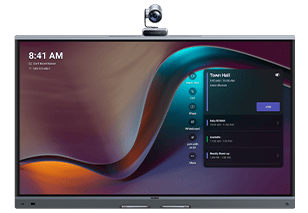
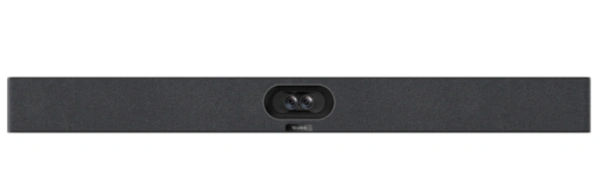
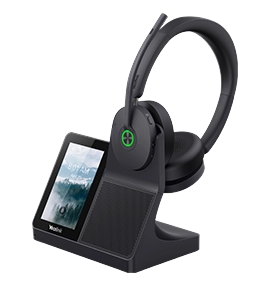
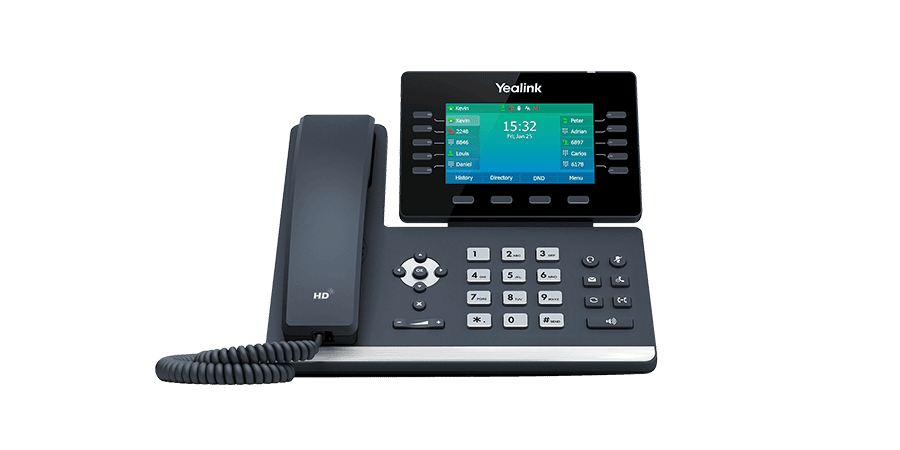
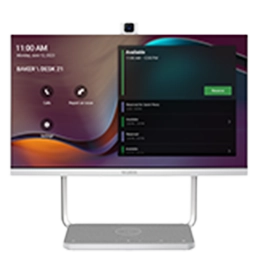
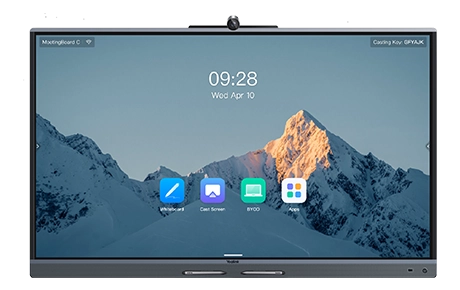
Representative manufacturer imagery from six product categories. Configuration and accessories vary.
1. Interactive boards and meeting displays
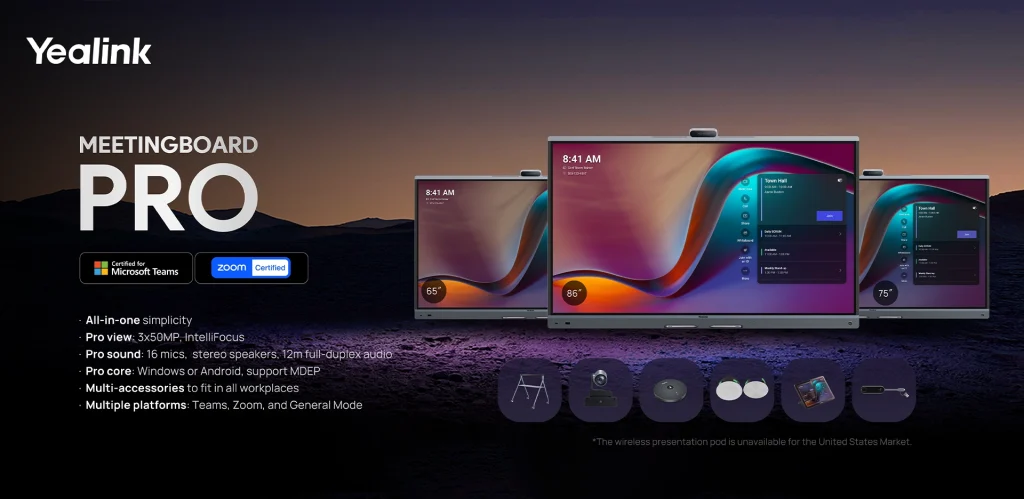
When teams regularly explain ideas on screen, annotate documents or develop plans together, touch collaboration becomes a purchasing requirement.
MeetingBoard Pro combines a display, conferencing hardware and interactive whiteboarding. MeetingBoard C offers another approach built around BYOM and Google ecosystem access. Check the intended operating mode and optional components for either model.
MeetingDisplay fills the display role in compatible Yealink room systems, with separate conferencing equipment specified as part of the setup. That distinction matters when comparing quotations. Choose a board for the interaction people need, or a display as part of the wider room design. Our business monitors and displays guide covers related purchasing considerations.
2. Video conferencing for teams and customers
Shared meeting spaces bring several requirements together: everyone needs to be heard, remote participants need a useful view of the room, and presenters need a dependable way to share material.
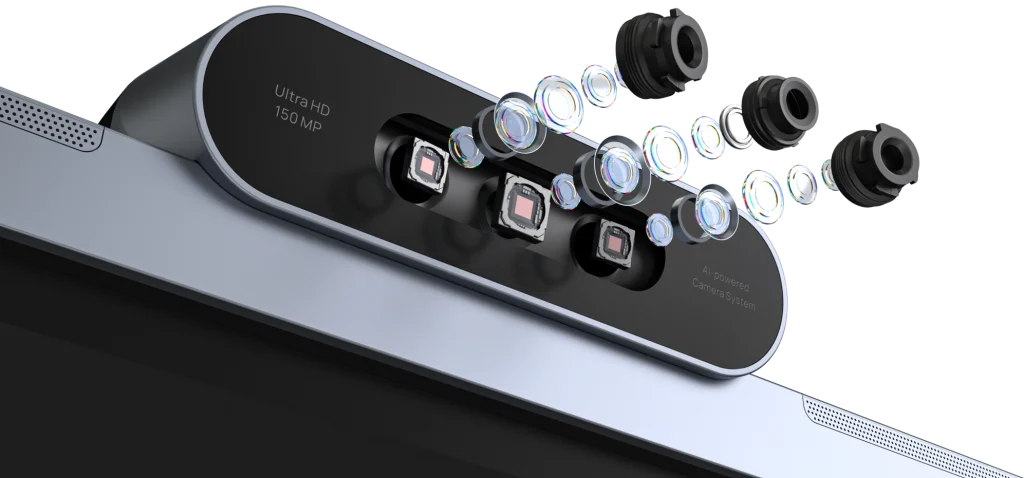
Yealink’s video conferencing portfolio includes MeetingBar devices, MVC room systems, USB cameras, audio devices and controllers. Its BYOD solutions also support configurations where the meeting runs on a connected laptop.
Choose the meeting mode before finalizing hardware. A dedicated Teams Rooms or Zoom Rooms setup and a laptop-led meeting require different configurations. Confirm the platform, seating layout, microphone coverage and content-sharing method. Product-family names alone cannot establish compatibility; the exact device, accessories and software matter.
3. Headsets for focused conversations
For employees who spend hours speaking to customers or joining online meetings, the headset is part of their daily workstation. Comfort, microphone performance and reliable connections deserve as much attention as the laptop beside it.
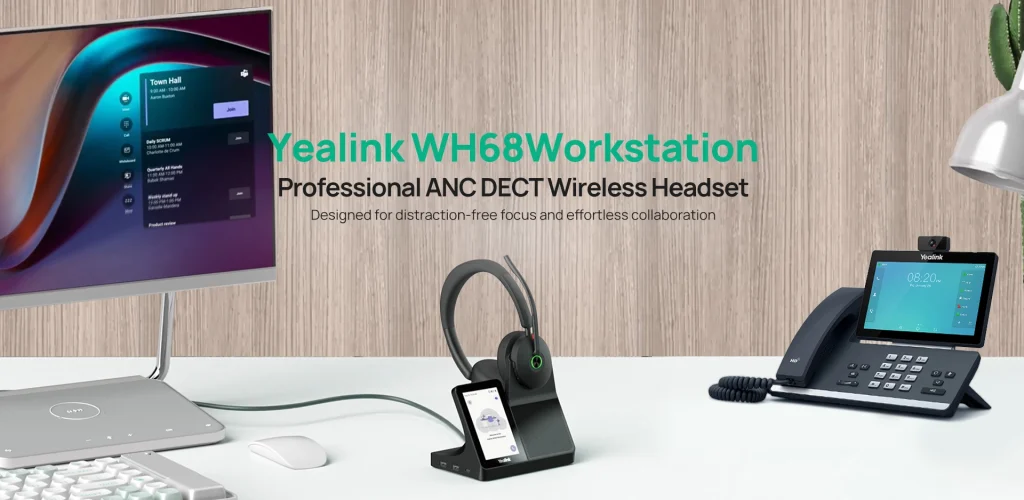
Yealink’s business headsets and speakerphones include wired USB, Bluetooth and DECT options. The WH68 Workstation, for example, combines a headset with a desktop control base and DECT/Bluetooth connectivity.
Choose around the job. A fixed desk may suit a wired USB headset. A user switching between a laptop and mobile phone may prefer Bluetooth. Staff who need office mobility may consider a compatible DECT setup. Check the exact connection, call-control support, wearing style and required adapters before ordering a company-wide batch.
4. Desk phones for daily business calls
A desk phone remains useful wherever someone regularly answers, transfers or manages business calls. Reception desks, customer service teams and offices with established extension systems are practical examples.
Yealink IP phones include several SIP phone families, while its platform-specific ranges include Teams and Zoom phones. The right choice depends on your calling service and the features each user needs.
Before selecting a model, confirm compatibility with your IP telephone system or hosted calling provider. Then check call handling, network and power connections, headset support and any expansion module needed at a busy reception desk. A phone with the right controls can be more useful to its user than a larger screen.
5. Personal and shared workspaces
An executive office, a shared desk and a small phone room can each need video and audio equipment without needing a full conference-room installation.
The Yealink DeskVision A24 illustrates this category. It brings a display, camera, microphones, speakers and USB docking into one desktop device, with conferencing and PC-monitor uses depending on the chosen configuration.
Compare an integrated device with separate desktop peripherals against how the space will be used. At a shared desk, consider how a visiting employee connects, where their laptop sits and how accounts are handled. For a permanent user, check screen requirements, privacy controls and the intended meeting application.
6. Cordless communication for people on the move
Some employees spend little time at a desk. They move between stock areas, service counters, departments or floors while remaining available to colleagues and customers.
Yealink’s DECT portfolio includes cordless handsets and base systems. A multi-cell option such as the Yealink W90 DECT system supports roaming across a planned network of base stations. Yealink also lists compatible headset-based DECT configurations for hands-free work.
Coverage planning matters here. Walls, shelving, floor layouts and the routes staff take affect the required design. Provide a site plan, user count and expected simultaneous calls when requesting a configuration. A small office and a warehouse should each be assessed against their own coverage requirements.
Room booking and device management belong in the plan
As a business adds devices and shared spaces, IT needs a way to maintain them. Employees also need to know which meeting room is available.
RoomPanel E2 provides room scheduling and availability information through a dedicated panel. Yealink Management Cloud Service provides tools for deploying, updating, monitoring and troubleshooting supported devices. Functions depend on the device and service plan.
For an office rollout, agree who will own accounts, apply updates and handle support. If cloud management is proposed, have your IT team review the service region, access permissions and company data policies before enrollment.
Build the specification around each department
For example, a new branch might need desk phones at reception, headsets for customer service and a shared video meeting system. A warehouse could place more emphasis on cordless coverage. A project office might prioritize desktop calls and interactive reviews of drawings or presentations.
Group employees by how they work, then agree the platform and management requirements that apply across the company. This gives each department suitable equipment and gives procurement a coherent specification to price.
Match Yealink business solutions to the requirement
This category guide provides a starting point for a purchasing brief. Final recommendations depend on the actual users, site and existing systems.
| Business requirement | Category to explore | First thing to confirm |
|---|---|---|
| Present, annotate or collaborate on a large screen | Interactive boards or meeting displays | Touch interaction and conferencing needs |
| Connect a group to remote participants | Room systems and BYOD equipment | Meeting mode and room layout |
| Take frequent individual calls | Wired, Bluetooth or DECT headsets | Connected devices and wearing comfort |
| Answer and transfer office calls | Business desk phones | Calling service compatibility |
| Equip a personal or shared desk for video | Desktop collaboration devices | User workflow and account setup |
| Stay reachable while moving around a site | DECT systems and compatible endpoints | Coverage plan and user capacity |
| Coordinate rooms and maintain devices | Scheduling panels and management tools | Supported integrations and administration |
Buying Yealink for a company in Saudi Arabia
Start with a department-by-department requirement. A reception team, mobile operations staff and a project office may each need different equipment, even within the same company.
For sites in Riyadh, Jeddah, Dammam or Khobar, list quantities and delivery requirements by location. Request an itemized quotation showing exact model codes, accessories, applicable warranty, delivery terms and VAT treatment. Confirm licenses and subscriptions separately wherever they are required.
A useful quotation request includes:
- Users and tasks: departments, user numbers and how the devices will be used.
- Existing systems: telephone provider, meeting platforms, computers and equipment to retain.
- Site details: delivery cities, floor plans for wireless coverage, or room layouts where relevant.
- Required scope: devices, accessories, quantities, licenses and any separately requested services.
- Commercial requirements: delivery deadline, warranty expectations, quotation validity and payment terms.
Innovation Planet supports corporate IT hardware procurement in Saudi Arabia. Send your Yealink requirement for a sourcing review and quotation. Our standard hardware scope is supply only; installation, setup, configuration and implementation require a separate written agreement.

Frequently asked questions about Yealink
What is Yealink used for in an office?
Yealink equipment supports business calling, individual audio, cordless communication, video meetings and shared-screen collaboration. The suitable category depends on the user’s job and the company’s existing communication systems.
Does every Yealink device work with Microsoft Teams or Zoom?
Compatibility is specific to the model, edition and operating mode. A SIP phone, a platform-specific phone, a USB peripheral and a dedicated room system have different requirements. Verify support for the exact device and configuration before purchase.
Can a company buy Yealink equipment in stages?
A phased purchase can begin with the department that has the clearest need, followed by other users or spaces. Establish platform, compatibility and management requirements early so later purchases fit the planned deployment.
What determines Yealink pricing in Saudi Arabia?
Pricing depends on the selected devices, quantities, accessories, licenses, warranty and delivery requirements. Request a current quotation for the complete scope, with availability and commercial terms confirmed.
Product descriptions reference Yealink’s official pages linked throughout this guide. Configuration, regional availability and current feature support should be confirmed for the exact items requested.